Here's the problem we kept running into: a suspicious login fires in Entra ID, a malware alert pops on an endpoint, and a weird mail rule shows up in Exchange — all within the same hour, all for the same user. Three different consoles. Three different teams. Nobody connects the dots until it's too late. We've seen Defender XDR catch attack chains that would've taken a SOC analyst hours to piece together manually. It correlates signals from endpoints, identities, email, and cloud apps into a single incident — automatically.
What Defender XDR Actually Does
XDR stands for Extended Detection and Response, but the name doesn't do it justice. Your EDR watches endpoints. Your SIEM collects logs. XDR does something fundamentally different — it correlates signals across domains in real time, so you're not playing detective across four different dashboards.
Picture this: instead of your analyst drowning in 47 separate alerts across four consoles, they see one incident titled "Multi-stage attack involving credential theft and lateral movement" — with the full attack timeline already laid out for them. That's the difference.
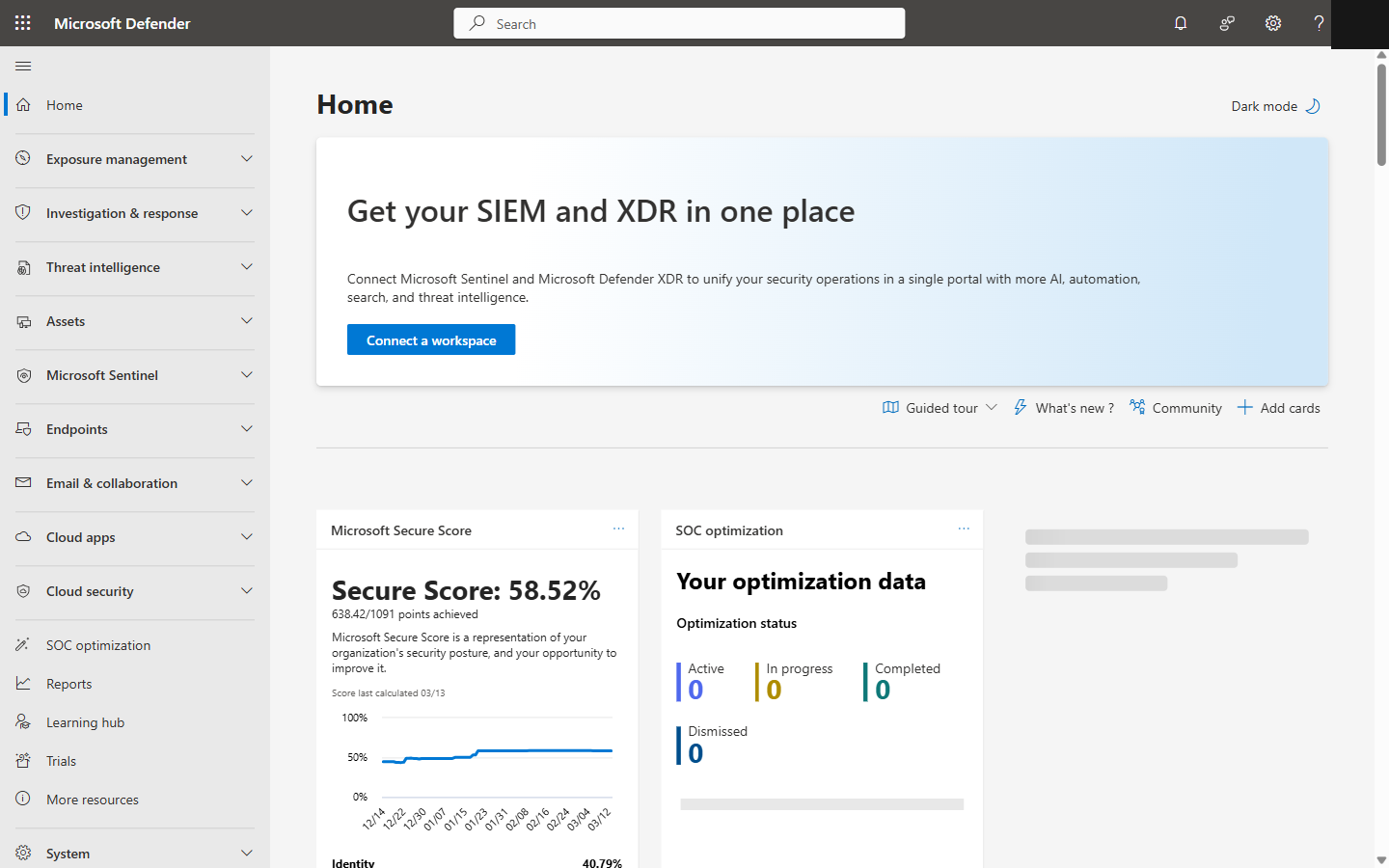
Microsoft Defender XDR portal homepage showing Secure Score and security dashboard
The Four Products That Power It
Defender for Endpoint
Devices
Your front line. Catches malware, fileless attacks, exploit attempts, sketchy process behavior. Intune-enrolled devices get onboarded and configured automatically — no agent installs to chase down.
Defender for Identity
Authentication
This one's underrated. Catches credential theft — pass-the-hash, Kerberoasting, DCSync, LDAP recon. If someone's poking around your Active Directory, this is what sounds the alarm.
Defender for Office 365
Email & Collaboration
Phishing, malicious attachments, BEC, suspicious mail flow rules — the stuff that actually gets people compromised. Plan 2 adds automated investigation, which is worth it.
Defender for Cloud Apps
SaaS Applications
Catches impossible travel, mass downloads, shady OAuth consents, and shadow IT you didn't know existed. Basically your CASB — and it's surprisingly good at it.
Cross-Domain Correlation in Action
Let me walk you through what actually happens when an attack hits your environment. This is based on real patterns we've seen — not a hypothetical:
The Phish Lands
Defender for Office 365
User gets a convincing phishing email. They click the link before Safe Links can detonate it. It happens — people are fast.
Credentials Get Stolen
Defender for Identity
Twenty minutes later, someone logs in as that user from a completely different country. Defender for Identity flags the anomaly instantly.
The Attacker Goes Shopping
Defender for Cloud Apps
Using those stolen creds, the attacker downloads 200 SharePoint files in 5 minutes. Cloud Apps catches the mass download.
Payload Drops on the Endpoint
Defender for Endpoint
A suspicious executable starts running from the OneDrive sync folder. Defender for Endpoint catches the process behavior.
Without XDR: You've got four alerts in four consoles. Maybe someone connects them after a few hours. Maybe not. With Defender XDR: One incident, within minutes, full attack chain already mapped out. We've seen this firsthand — it's a night-and-day difference.
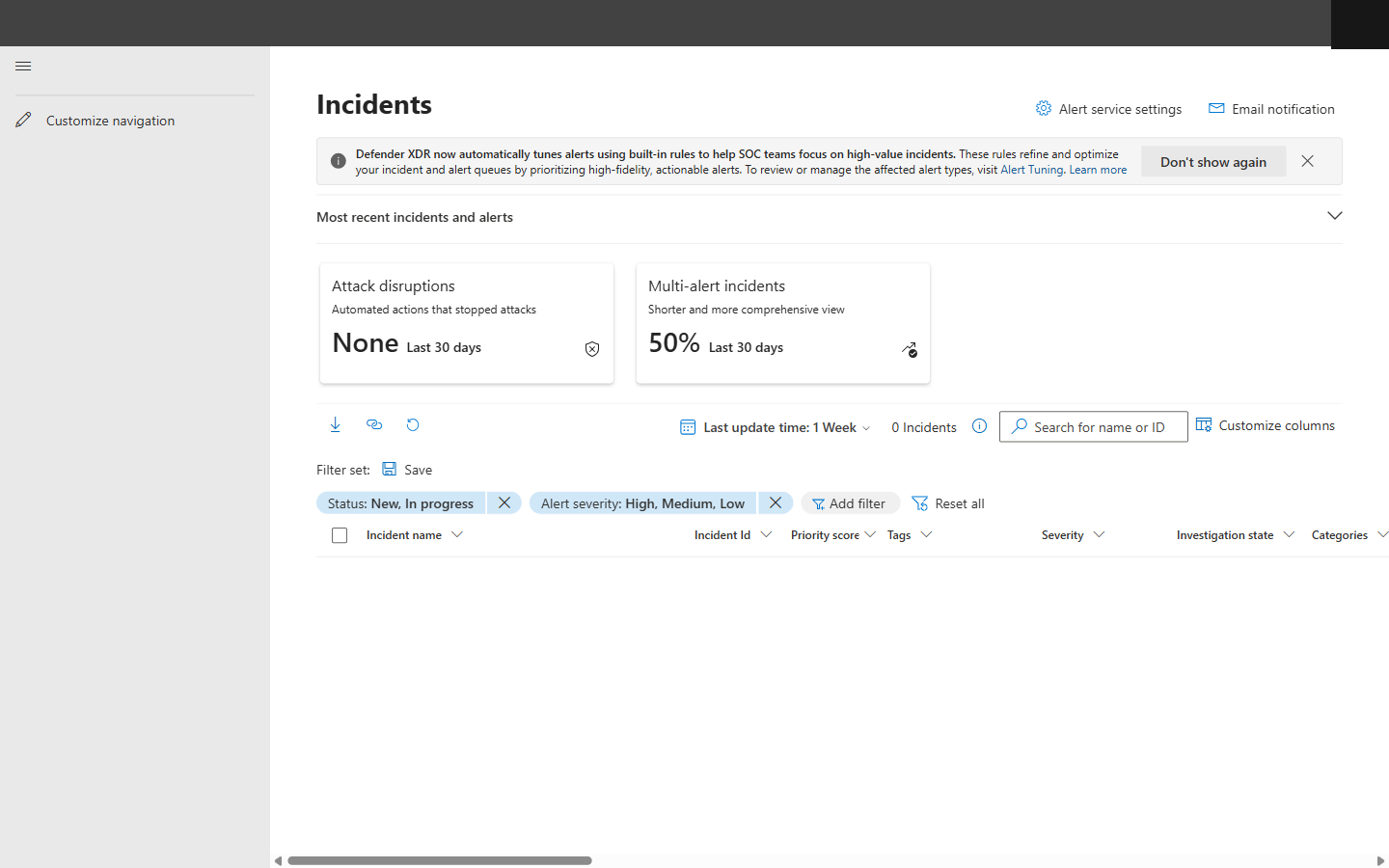
Defender XDR Incidents queue with severity filters, Attack Disruption KPIs, and multi-alert incident metrics
How We Actually Investigate an Incident
Read the attack story
Start with the visual timeline — it's genuinely well done. Find where the attacker got in and trace forward.
Let the automation do its thing
Defender XDR has probably already analyzed the entities, checked file reputations, and reviewed sign-in logs. Read its verdict before you start digging.
Review the evidence
File hashes, IPs, URLs, process trees, email metadata — it's all there, with recommended actions for each one. Saves a ton of time.
Take action — from one place
Isolate the device, disable the user, soft-delete emails, revoke OAuth tokens, run an AV scan. All from the same portal. No console-hopping.
Classify and close it out
Mark it as True Positive, False Positive, or Informational. This actually matters — it trains the correlation engine to get smarter.
What You Can Do From a Single Console
Isolate device
Disable user account
Soft-delete emails
Revoke OAuth tokens
Run antivirus scan
Collect investigation package
Automatic Attack Disruption (This Is the Cool Part)
OK, this is where it gets really interesting. When Defender XDR is confident it's seeing an active attack — BEC, ransomware, the big stuff — it doesn't wait around for someone to notice. It acts immediately, without waiting for an analyst:
- !Kills the compromised user account on the spot
- !Revokes every active session — gone
- !Isolates affected devices from the network
- !Quarantines the malicious emails before more people click
Microsoft says it contains threats 13 minutes faster than manual SOC response on average. From what we've seen, that tracks. Thirteen minutes is an eternity during a ransomware event.
Where Intune Fits (And Why It Matters)
People overlook this, but Intune is the glue that makes the whole thing work. It's not technically one of the four Defender products, but try running XDR without it:
The Compliance + Conditional Access Loop
Here's the magic: Defender flags a device as high-risk, Intune instantly marks it non-compliant, and Conditional Access blocks access — all automatically. The user can't touch corporate data until the threat is cleaned up. Detect → non-compliant → block → remediate → restore. No human needed.
Intune Pushes All Your Defender Policies
Antivirus settings, ASR rules, firewall config, EDR onboarding — it all flows through Intune. You define your security posture in policy once, and every enrolled device gets it automatically. No GPOs. No scripts. No hoping someone configured it right.
Hunting Queries We Actually Use
Advanced Hunting is where the real power users live. You get KQL access to raw data across all four Defender products. Here are two queries we keep in our back pocket — feel free to steal them:
This one's a favorite — find users who clicked a phishing link and then had a risky sign-in within the hour:
let PhishClickers = UrlClickEvents
| where ActionType == "ClickAllowed"
  and ThreatTypes has "Phish"
| project ClickTime=Timestamp, AccountUpn, Url;
PhishClickers
| join kind=inner (
    AADSignInEventsBeta
    | where RiskLevelDuringSignIn in ("high","medium")
    | project SignInTime=Timestamp, AccountUpn,
              RiskLevelDuringSignIn, IPAddress
) on AccountUpn
| where SignInTime between (ClickTime .. (ClickTime+1h))
And this one catches devices that had malware AND made suspicious outbound connections around the same time — classic C2 behavior:
DeviceEvents
| where ActionType == "AntivirusDetection"
| project DeviceId, DeviceName,
          MalwareTime=Timestamp, FileName
| join kind=inner (
    DeviceNetworkEvents
    | where RemoteIPType == "Public"
      and ActionType == "ConnectionSuccess"
    | project DeviceId, NetworkTime=Timestamp,
              RemoteIP, RemotePort
) on DeviceId
| where NetworkTime between
    ((MalwareTime-30m) .. (MalwareTime+30m))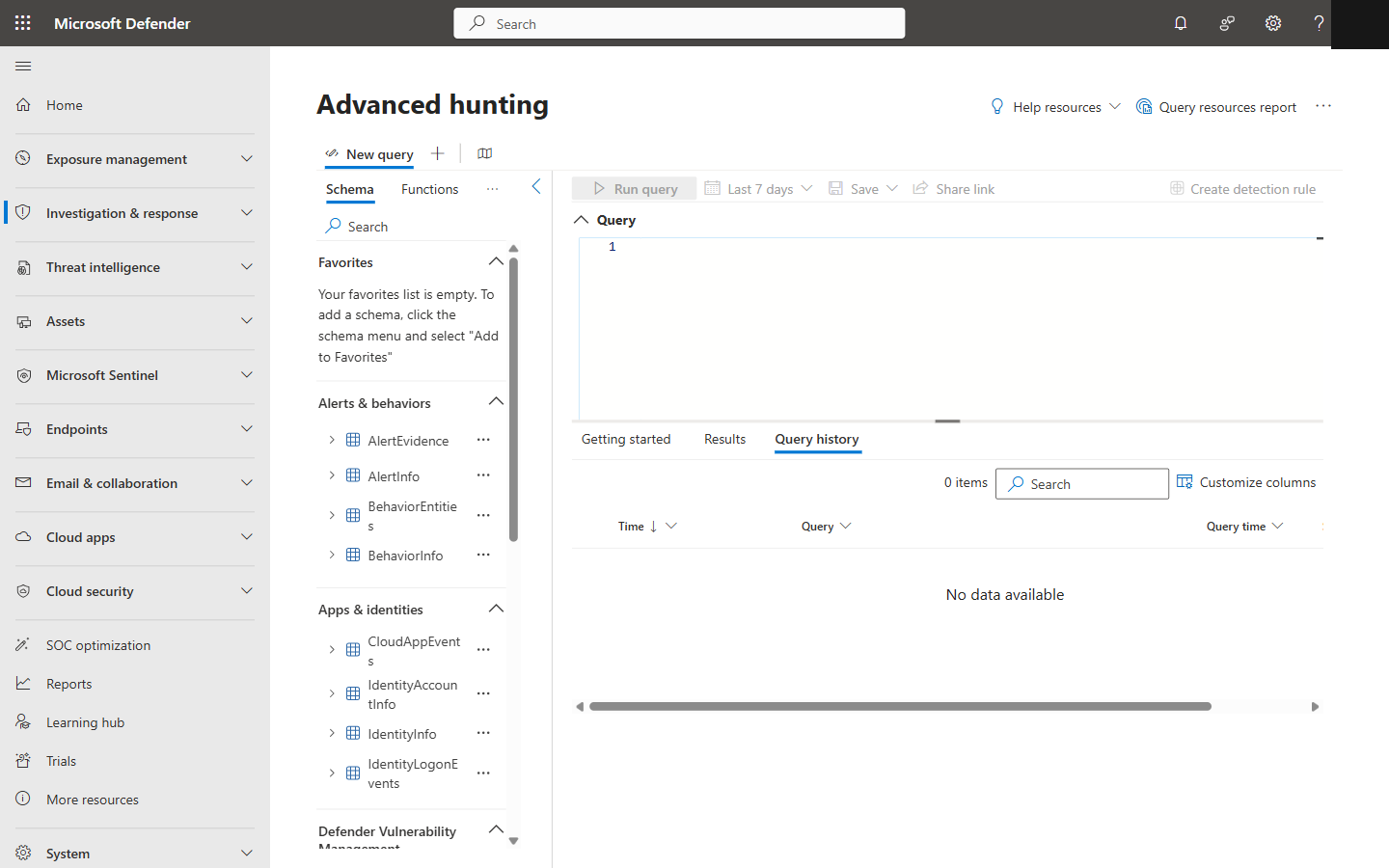
Advanced Hunting in Defender XDR with KQL query editor, schema panel, and data tables
The Bottom Line
We're not exaggerating when we say this cuts alert fatigue by 80-90%. The automatic correlation alone is worth the effort to set up properly. And here's the kicker — if you're on M365 E5, you already have most of this included in your license. Pair it with Sentinel for long-term retention and you've got a security operations stack that rivals what big enterprises spend millions cobbling together with third-party tools. Except yours integrates natively with Intune, Entra ID, and Azure. No duct tape required.