Here's the thing most people miss: Windows 11 out of the box is not secure. It's convenient. We've scanned hundreds of endpoints and the pattern is always the same — orgs run their first CIS benchmark scan and fail 40-70% of the 457 controls. That's not because anyone did something wrong. It's because nobody told them what "secure" actually looks like.
457
Total CIS controls
312
Level 1 controls
145
Level 2 controls
The 12 Governance Domains
CIS organizes 457 controls into 18 numbered sections, which is a mess to work with directly. We group them into 12 governance domains when mapping to Intune because multiple CIS sections often land in the same profile type anyway. This makes the whole thing manageable instead of soul-crushing.
| Domain | Controls | Intune Profile |
|---|---|---|
| Account Policies | 24 | Settings Catalog / Endpoint Security |
| Audit & Logging | 36 | Settings Catalog |
| Browser Security | 28 | Settings Catalog / Admin Templates |
| Defender Antivirus | 31 | Endpoint Security - Antivirus |
| Device Guard & Credential Guard | 12 | Settings Catalog |
| Firewall | 33 | Endpoint Security - Firewall |
| Security Options | 48 | Settings Catalog |
| User Rights | 32 | Custom OMA-URI / Settings Catalog |
| Network Security | 41 | Settings Catalog |
| OS Hardening | 89 | Settings Catalog |
| Remote Services | 44 | Settings Catalog |
| Windows Services | 39 | Settings Catalog |
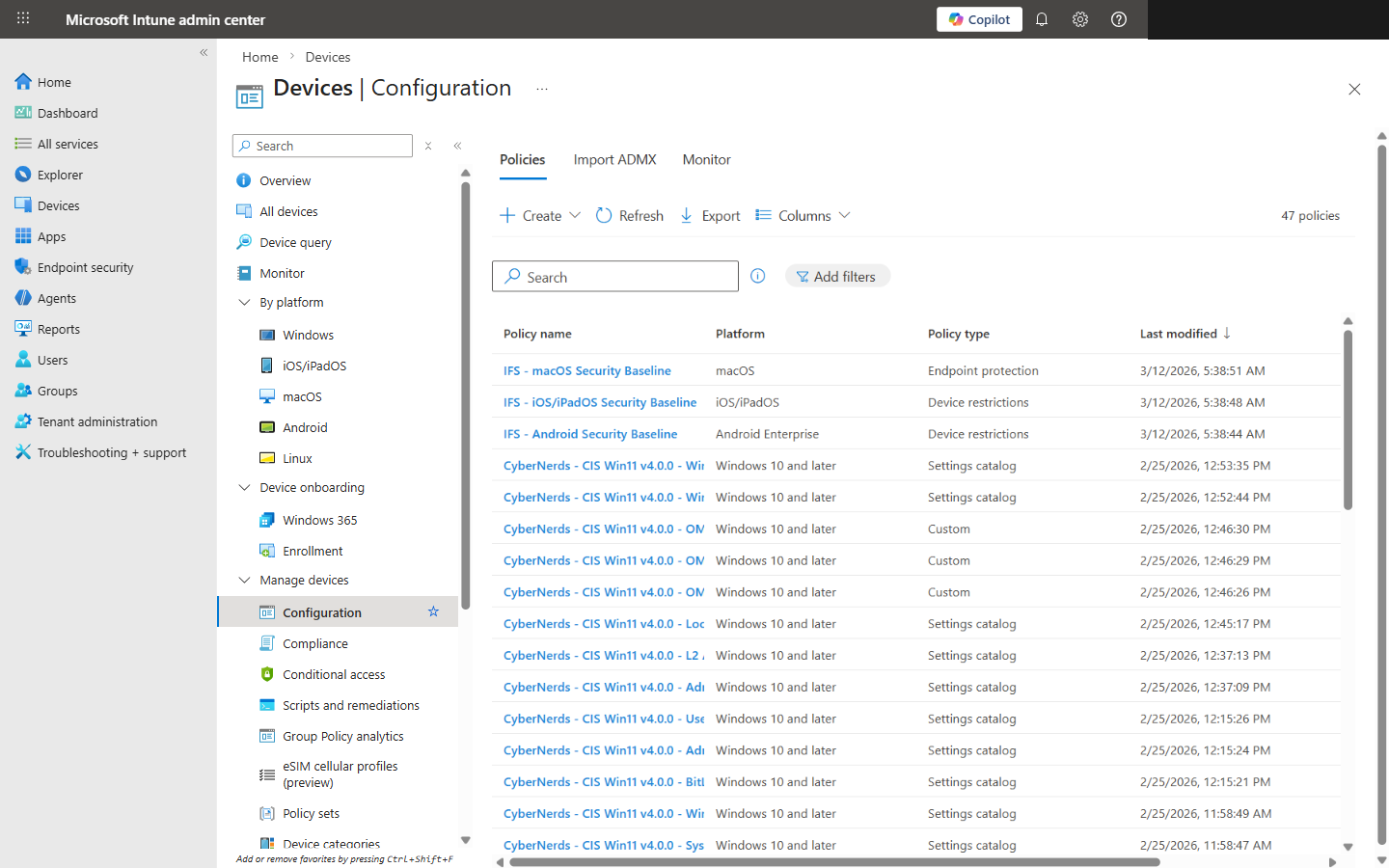
47 CIS Windows 11 v4.0.0 configuration profiles organized by governance domain in Intune
How Controls Map to Intune Profile Types
Settings Catalog
This is your workhorse. You'll live in the Settings Catalog for most of this project. Search for settings, configure values, move on. It's straightforward once you know what you're looking for.
Endpoint Security Profiles
Purpose-built blades for Antivirus, Firewall, Disk Encryption, and ASR. The guided experience is actually good here — Microsoft built these right.
Administrative Templates (ADMX)
ADMX-backed settings, mostly Edge browser policies and some legacy Windows stuff. You'll use these less as Microsoft keeps migrating things to the Settings Catalog.
Custom OMA-URI
The fallback for when nothing else works. User Rights Assignments live here, and they're painful — you're hand-crafting SyncML payloads. Easily the most error-prone part of the whole mapping.
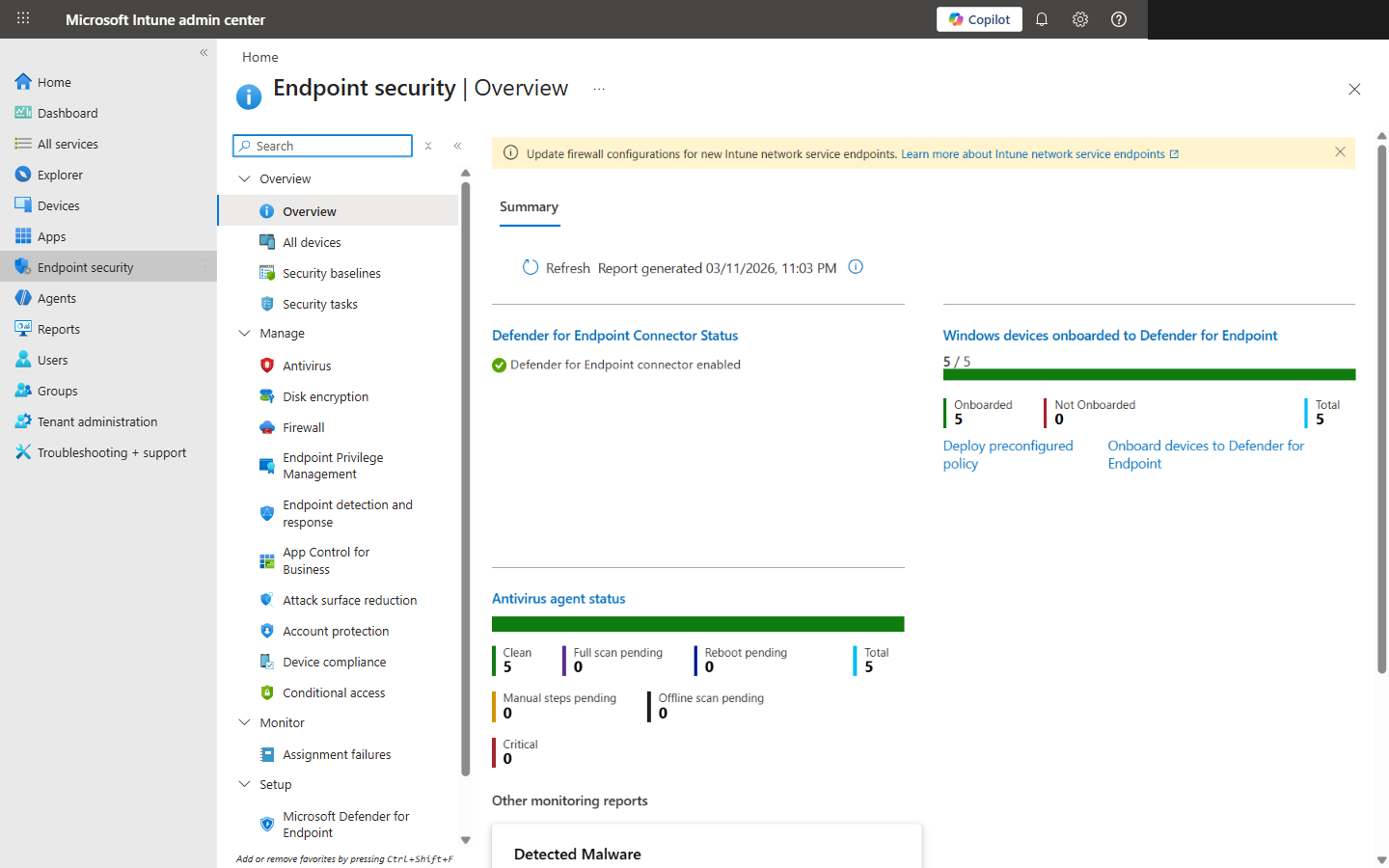
Endpoint Security overview showing the Antivirus, Firewall, Disk Encryption, and other security blades
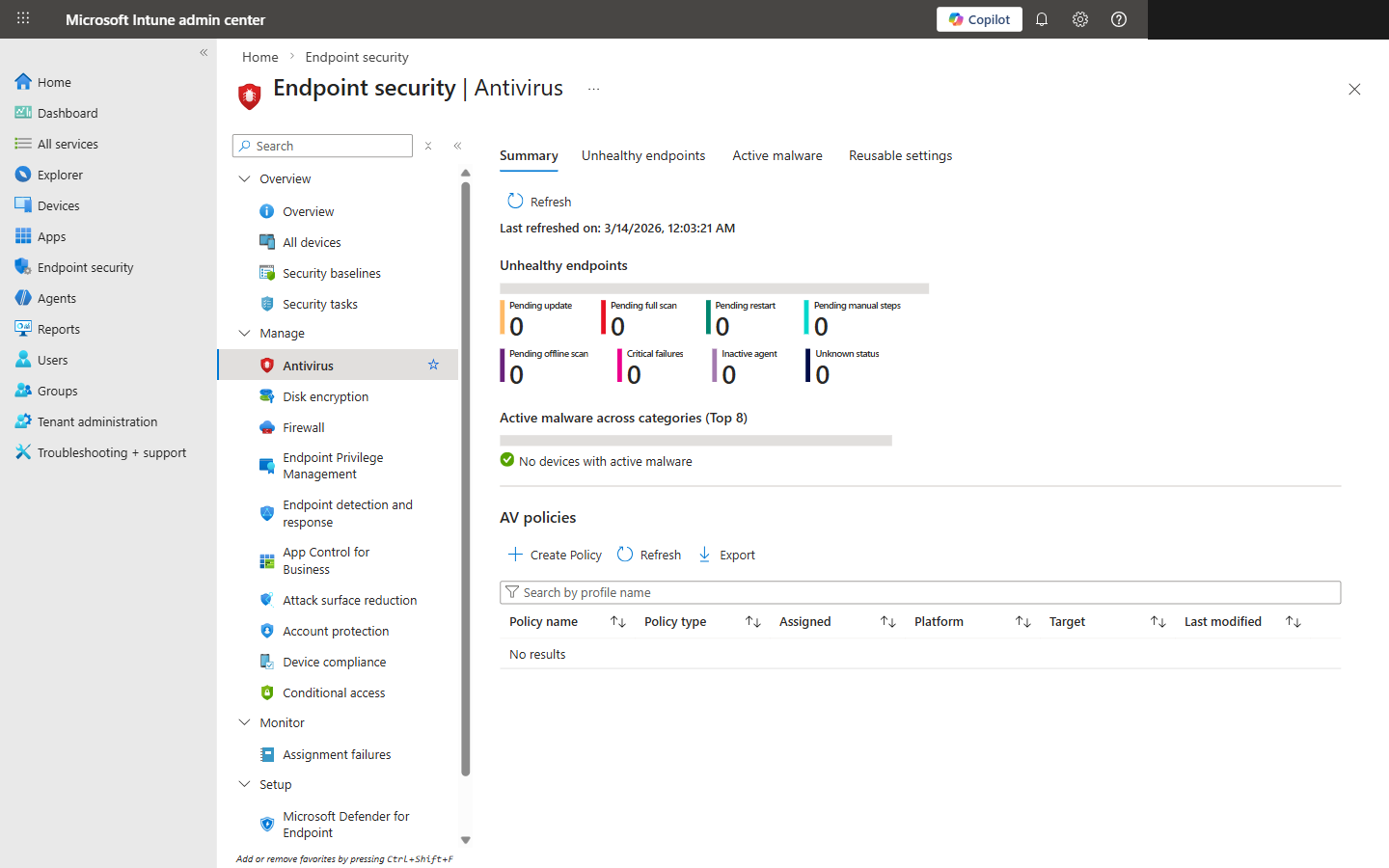
Endpoint Security Antivirus blade showing unhealthy endpoint status and AV policies
What Intune Can't Enforce
Let's be honest about Intune's limits. It covers roughly 85-90% of CIS controls natively, which is great. But that remaining 10-15% will eat your lunch if you're not ready for it:
- !User Rights Assignments (Section 2.2): Custom OMA-URI with SyncML payloads. I won't sugarcoat it — these are tedious to build and easy to break. One wrong SID and the policy silently fails.
- !Advanced Audit Policies (Section 17): Some subcategories just don't have native settings. You'll need PowerShell remediation scripts deployed through Intune Remediations. Not ideal, but it works.
- !Physical Security Controls: BIOS/UEFI settings need manufacturer tools like Dell Command or HP MIK. Intune can't touch these. Different conversation entirely.
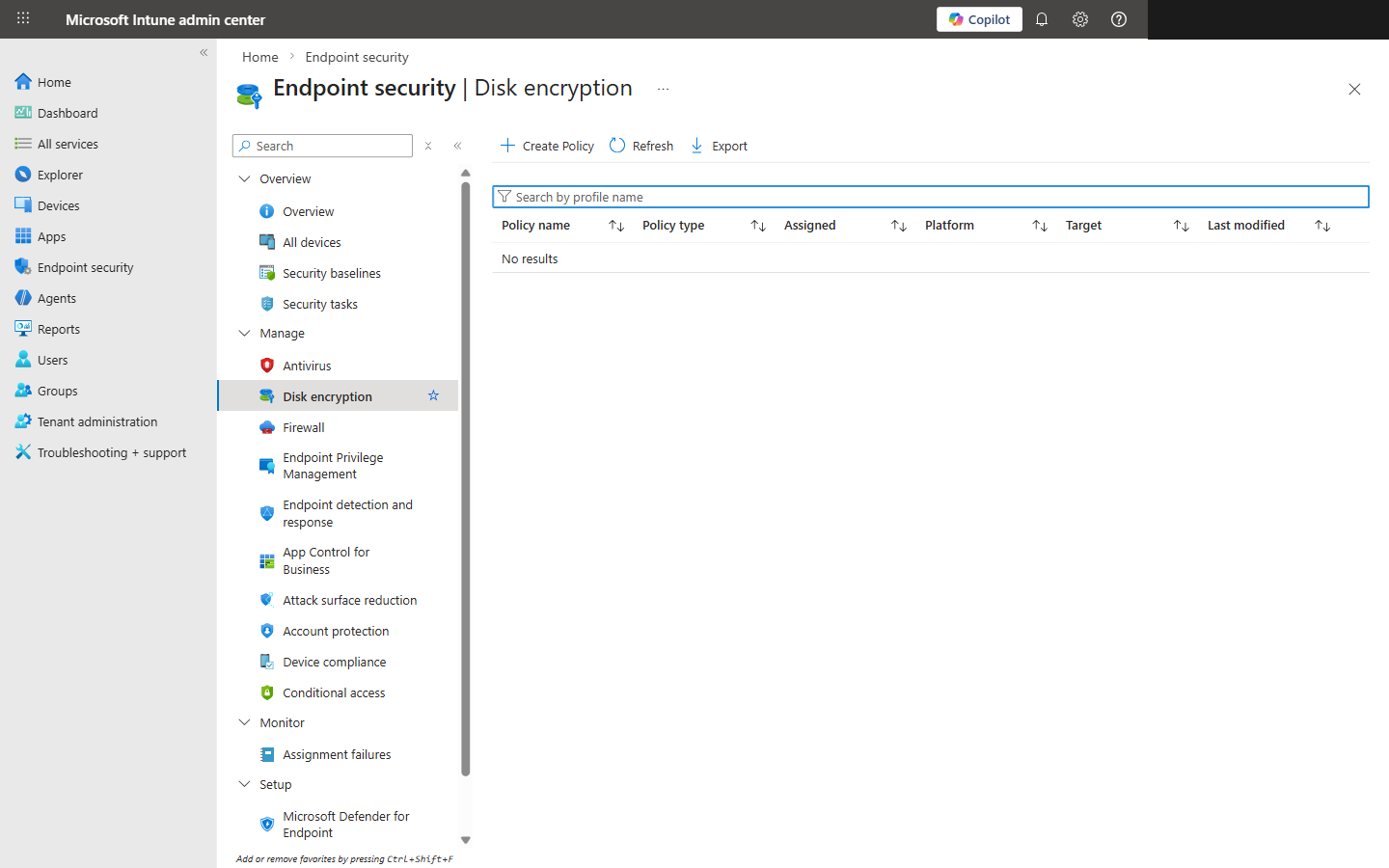
Endpoint Security Disk Encryption blade for managing BitLocker policies
Why Most Orgs Fail 40-70% on First Scan
Windows defaults are shockingly permissive
Password complexity? Off. Account lockout? Off. Audit policies? Barely configured. Microsoft ships Windows optimized for usability, not security. Every. Single. Time.
Piecemeal configuration
IT teams configure the stuff they know — BitLocker, Windows Update, maybe Defender. Then they skip entire domains. We see User Rights, Network Security, and Services ignored constantly.
Nobody runs the scan first
This is the big one. Without a baseline scan, teams just assume they're compliant because nothing's on fire. That's not how compliance works.
Stale profiles
Orgs built their Intune profiles two years ago and never touched them. Meanwhile, Microsoft's added hundreds of new Settings Catalog entries. The profiles aren't wrong — they're just incomplete.
I'll say it plainly: the #1 reason orgs fail is coverage. Most have configured maybe 150 controls and think they're done. That means 300+ settings are just sitting at whatever Microsoft shipped. That's not a security posture — that's a hope-based strategy.
The Remediation Workflow
Phase 1 — Baseline Scan
Run CIS-CAT Pro against a representative sample of devices. You need to know where you stand before you touch anything. Export results — this is your before picture.
Phase 2 — Profile Build
Build your Intune profiles by governance domain. Start with Level 1 controls — they're the 312 that every org should have. Assign to a pilot group, not production. Trust me on this one.
Phase 3 — Pilot Validation
Give it 48-72 hours. Watch for profile conflicts, broken apps, and settings that don't apply cleanly. There's always something. Better to find it on 10 devices than 1,000.
Phase 4 — Staged Rollout
Roll out in waves — 25%, 50%, 100%. Give each wave 48 hours before expanding. Resist the urge to push everything at once. We've seen orgs lock themselves out doing that.
Phase 5 — Post-Scan
Re-run the benchmark. You should jump to 85-95% pass rate. If you're under 85%, you've got profile assignment issues — check your group memberships.
Phase 6 — Continuous Monitoring
Monthly scans at minimum. CIS releases new benchmark versions regularly, and Microsoft keeps changing the Settings Catalog. This isn't a one-and-done project.
Bottom Line
Look, 457 controls sounds like a nightmare. It's not. Break them into 12 domains, build modular Intune profiles, and tackle it in phases. You don't need 100% on day one — you need to know where you stand. Run the scan. Build the profiles. Validate. Iterate. That's the whole playbook.